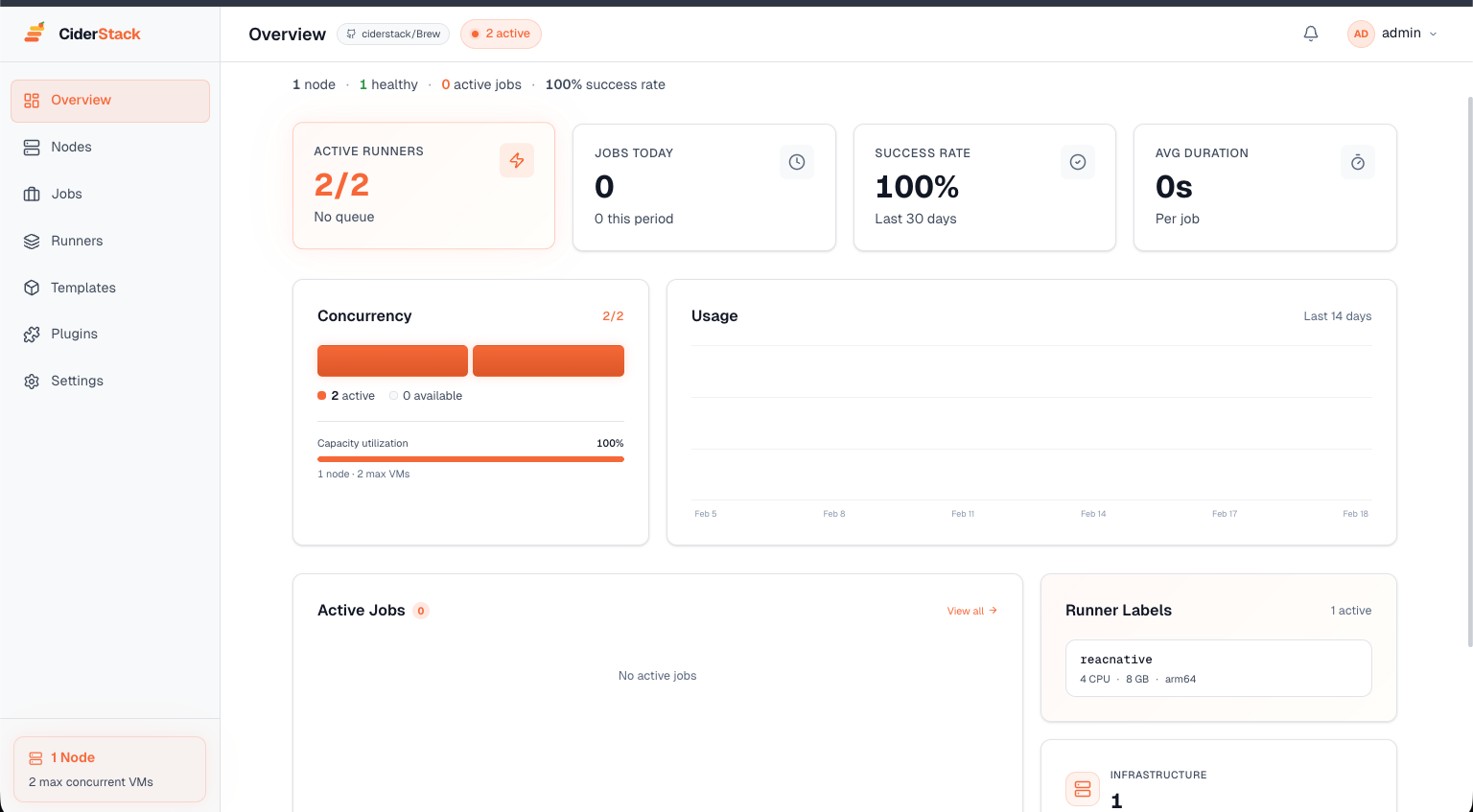
Brew turns your Mac fleet into a fully automated CI/CD platform. Ephemeral runners, template-based provisioning, job queuing — all from one dashboard.
Fresh VM for every build, destroyed after
Golden images for consistent environments
Concurrency management across your fleet
Build times, success rates, resource usage
Brew turns your Mac fleet into a production-grade CI/CD platform for GitHub Actions.
Register self-hosted runner pools that auto-provision ephemeral macOS VMs for every GitHub Actions job. Clean environment every time.
Create golden VM images and use them as the base for every runner. Xcode, CocoaPods, Fastlane — pre-installed and ready.
Queue jobs across your fleet with intelligent scheduling. Brew respects Apple's 2-VM-per-Mac limit and distributes work across available nodes.
Push and pull VM templates as OCI images across your fleet. Fast distribution means new templates reach every node in minutes.
Monitor active jobs, runner status, node health, and build analytics from a single web dashboard. WebSocket-powered live updates.
Trigger builds from GitHub webhooks, custom API calls, or scheduled automation workflows.
Create a base VM with your exact toolchain — Xcode, CocoaPods, Fastlane — and register it as a template. Brew clones fresh runners from it in seconds, so every build starts clean.
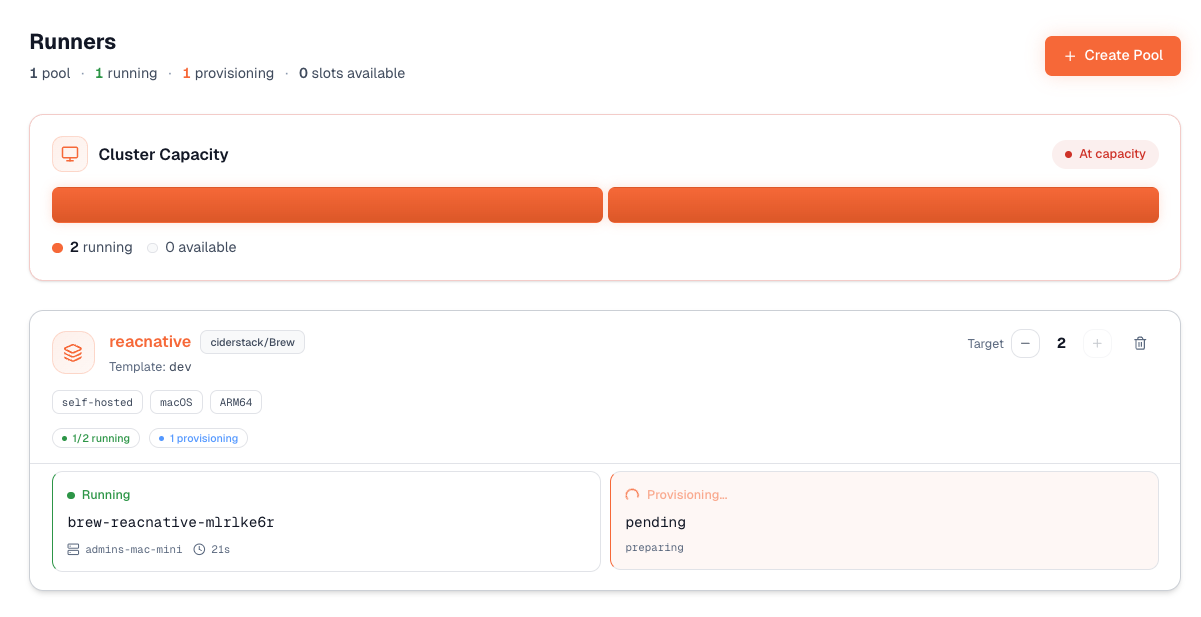
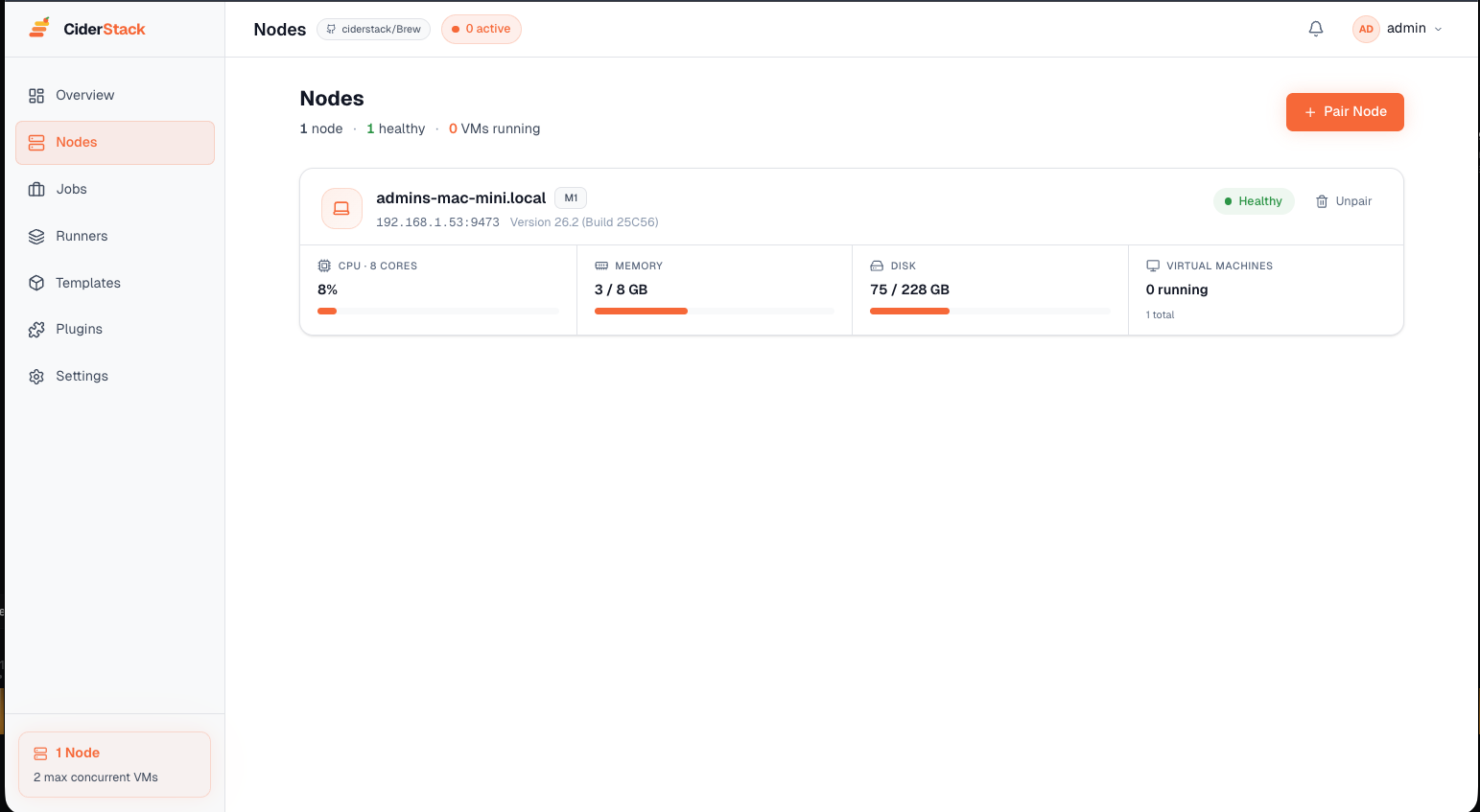
See all your Macs at a glance — CPU, memory, disk, running VMs, and runner status. Brew schedules jobs across available nodes automatically, respecting Apple's 2-VM limit per host.
Brew handles the heavy lifting so you can focus on shipping code.
Create a golden macOS VM with your toolchain, register it as a template in Brew.
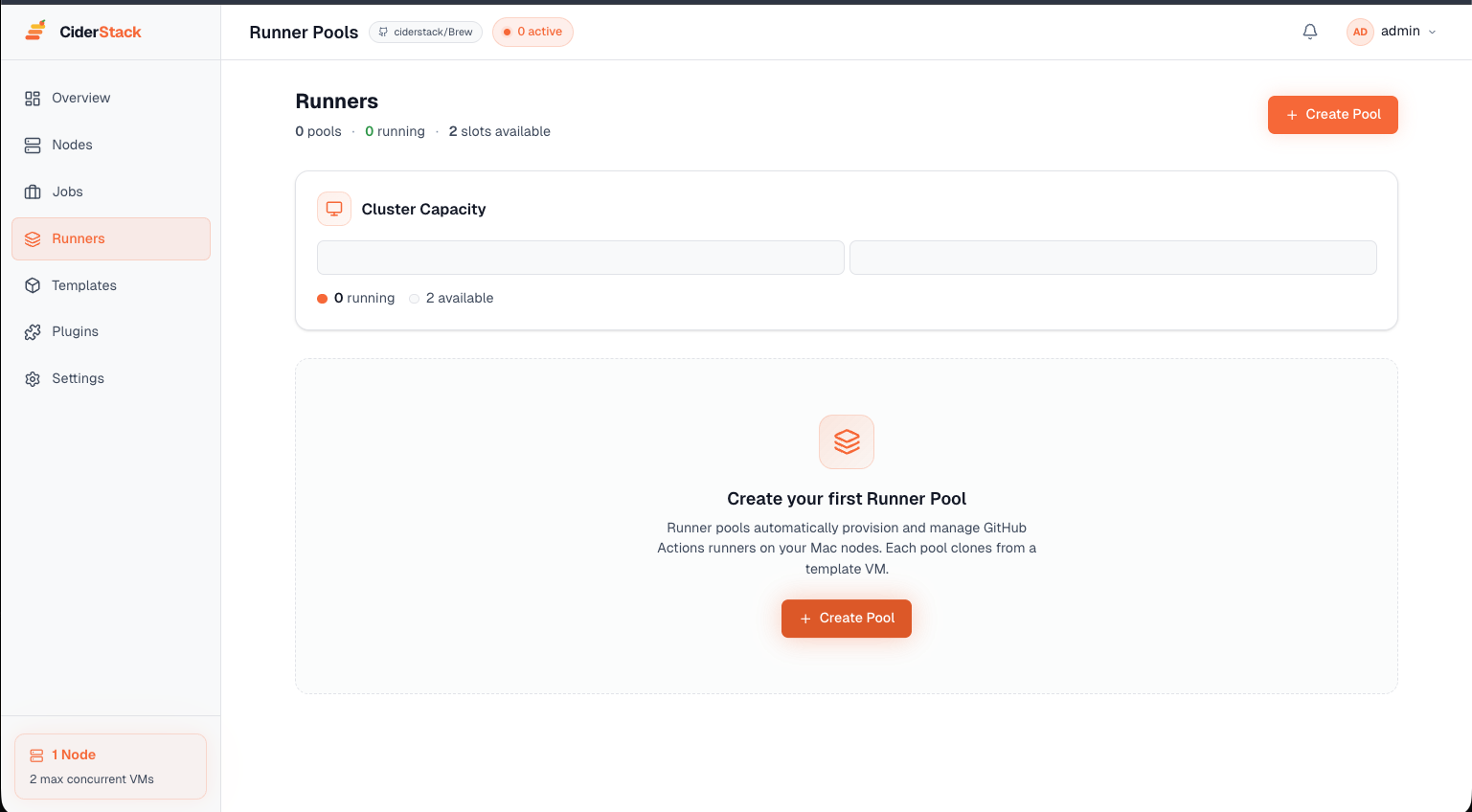
Define runner pools with labels that match your GitHub Actions workflows. Set pool sizes.
Push code to GitHub. Brew spins up ephemeral runners, executes your workflow, and tears them down.
Monitor active jobs, manage runner pools, and track build analytics — all from one place.
You could set up GitHub runners on each Mac by hand. But here's what you're missing.
Brew is built entirely on the same CiderStack JavaScript SDK that's available to every customer. Everything Brew does — provisioning VMs, managing runners, distributing templates — you can do too. Build your own orchestrator, integrate with your own tooling, or extend Brew to fit your workflow.
Brew is included with all paid tiers — Cluster ($149) and above. Start with a 14-day free trial.
Start free trial